
A reserve is not the same as a payout hold or a disabled account. Here is what Shopify's own docs say a reserve does, and how to operate while part of your cash is parked.
This guide is for Shopify founders and ops leads who have just seen a "Reserve" line on Finance > Payouts. It also helps if you want to understand the mechanism before peak season. It sticks to Shopify's published Help Center language and does not invent typical reserve percentages or guaranteed release dates.
For payout holds and disabled accounts, see Shopify Payments Disabled or On Hold. For authorization versus settlement versus payout, see Clearing vs Settlement.
Key Takeaways
- A Shopify Payments reserve is a temporary hold on a portion of transactions processed through Shopify Payments, for a specified period. In some cases the hold covers the full amount (Shopify Help: reserves, retrieved 2026-11-10).
- Reserves generally do not stop you accepting payments unless Shopify says otherwise. Terms arrive by email (same Help article).
- There are fixed-amount and percentage-based reserves. Shopify's 120-day figures are examples, not a universal duration (same Help article).
- Some reserves can be appealed by replying to the terms email within the stated window. If the email lists requirements for removal instead of an appeal, Shopify says the reserve cannot be appealed by reply. Instead, it is removed automatically after you meet those requirements (same Help article).
- A reserve lives at Shopify Payments, not in a Temble balance. Temble does not hold merchant funds (Temble homepage, retrieved 2026-11-09). Temble cannot release a Shopify reserve.
In this guide
- What a reserve is (and is not)
- Why Shopify says a reserve may be applied
- Fixed amount vs percentage
- How to see it in the admin
- Appealing, extending, and getting money out
- How to operate while a reserve is on
- Where Temble does (and does not) fit
- Frequently asked questions
- Conclusion
What a reserve is (and is not)
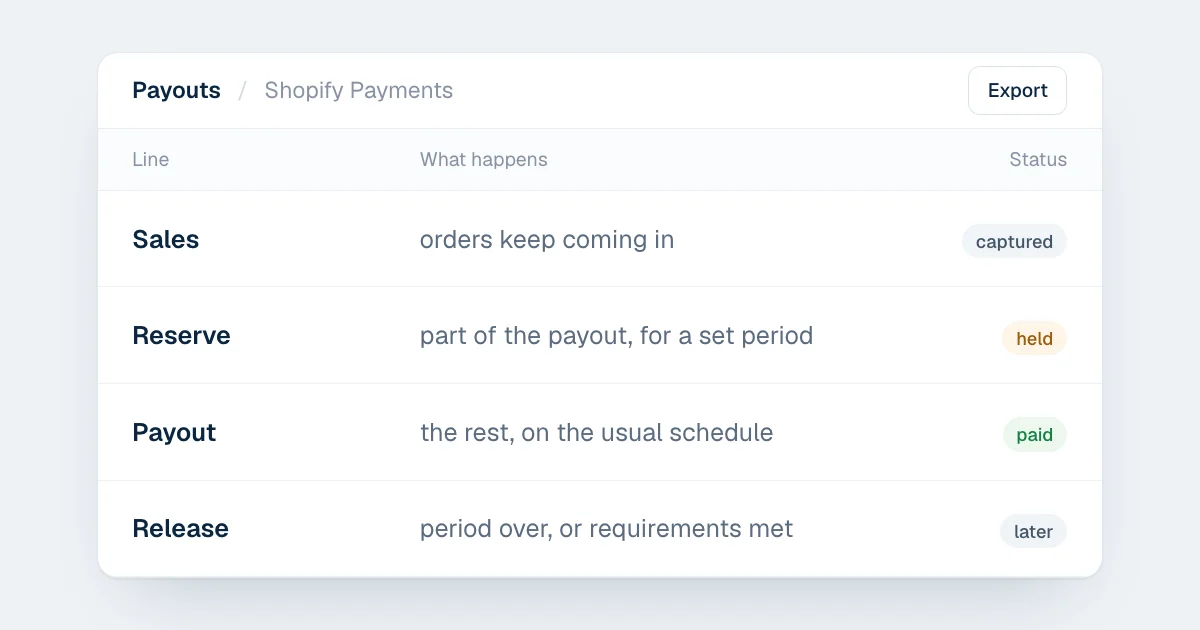
Shopify's definition is operational, not moral. A reserve is "a protective measure against potential losses that might arise from processing activities, such as chargebacks and refund volumes." If a customer opens a dispute, the payment amount and relevant dispute fees are deducted from your account. At the end of the reserve period, remaining funds "no longer required to address future refunds or disputes are returned in full" (Shopify Help: reserves, retrieved 2026-11-10).
It is easy to mix three different cash-flow events:
| Mechanism | What it typically does | Official starting point |
|---|---|---|
| Reserve | Parks a portion (or all) of Shopify Payments volume for a stated period; you may still accept payments | Reserves |
| Account / payout hold | Stops payouts until a review or request is resolved; checkout may or may not still work | Account holds |
| Disabled / deactivated Shopify Payments | You may need another provider to take new card payments | Acceptable business practices |
A reserve is also not "unpaid settlement." Authorization and network settlement can have completed; the money is simply not yet released to your bank on the usual payout calendar. See clearing vs settlement.
Why Shopify says a reserve may be applied
Shopify writes that a reserve may follow an assessment of increased risk. Indicators include, but are not limited to (Shopify Help: reserves):
- Extended billing cycles, for example annual subscriptions, where disputes can arrive long after capture.
- Elevated chargeback activity.
- Increased refund rates (fulfillment or product-quality issues).
- Industries with extended delivery timelines: events, custom orders, pre-orders.
- Significant volume surges, which can be hard to fulfill and can also look like fraud.
None of those items requires you to have "done something wrong." A pre-order brand or a subscription business carries exposure by design. Shopify's risk-evaluation page also notes that the platform may act before you reach card-network chargeback thresholds. It considers signals beyond chargebacks (Shopify Help: acceptable business practices, retrieved 2026-11-10).
Fixed amount vs percentage
Shopify describes two types (Shopify Help: reserves):
- Fixed-amount reserve: a set sum for a defined duration. Shopify's example is $1,000 USD reserved for 120 days after a period of increased sales volume. Treat 120 days as an illustration.
- Percentage-based reserve: a percentage of each Shopify Payments transaction is held for a specified period. Shopify's example is a 10% reserve for 120 days. In that example, 10% of each transaction is held, and the remaining 90% goes out in regular payouts.
Your actual terms are in the email, not in this article.
How to see it in the admin
On the Shopify Payments payouts page, Shopify shows two components (same Help article):
- Pending: captured funds not yet in a scheduled payout, not including reserved funds.
- Reserve: money held until the reserve period ends.
Your total balance is Pending + Reserve. Example from Shopify: $2,000 pending and $8,000 reserved means a $10,000 total balance. Only the $2,000 is available for upcoming payouts.
View reserve transactions: Finance > Payouts > Reserve. You can export reserve transactions to CSV. The Reserve view appears only while reserved funds exist; after release, filter payout transactions by the Reserved Funds type.
Shopify records two reserve transaction kinds in payout breakdowns:
- Reserve funds are negative: they reduce what you receive now.
- Released funds are positive: previously held amounts becoming available.
Appealing, extending, and getting money out
Before a reserve expires, Shopify says the account is reviewed to keep, reduce, or raise it based on risks such as chargebacks or refunds (Shopify Help: reserves).
- If the email invites an appeal: reply to that terms email within the specified timeframe.
- If the email lists requirements for removal instead of inviting an appeal: Shopify says you cannot appeal by reply. After you meet the listed requirements, "the reserve is removed automatically."
- At expiry, if no extension: the reserve amount is included in upcoming payouts. "It might take several business days" for reserved funds to be processed for payout.
- Early releases can produce a bulk positive reserve transaction, with later offsetting entries so the books still tie out.
This is where the wait can get frustrating. One merchant on the Shopify Community described waiting 52 days after meeting the early-release conditions support had given them, with no decision (Shopify Community thread, July 2026). Treat that report as one experience, not a published timeline. Shopify's documented path is still: the terms email, the listed requirements, and the pre-expiry review.
How to operate while a reserve is on
- Read the email and save it. Duration, percentage or amount, appeal window vs automatic criteria, and whether checkout is affected should be in writing.
- Rebuild the cash-flow model. If 10% of each payout is parked for months, that is working capital you no longer have for inventory and ads. Do not plan peak season as if the old payout calendar still applies. See clearing vs settlement.
- Keep fulfillment tight. Refund and dispute volume is exactly what Shopify cites as reserve logic. Fast shipping and a clean refund vs chargeback process are the boring controls that matter.
- Reconcile reserved lines separately. Match reserve transactions to orders where Shopify ties them. Adjustments, early releases and fixed-amount reserves "might not have associated orders" (Shopify Help: reserves). A unified ledger helps if you also run another provider.
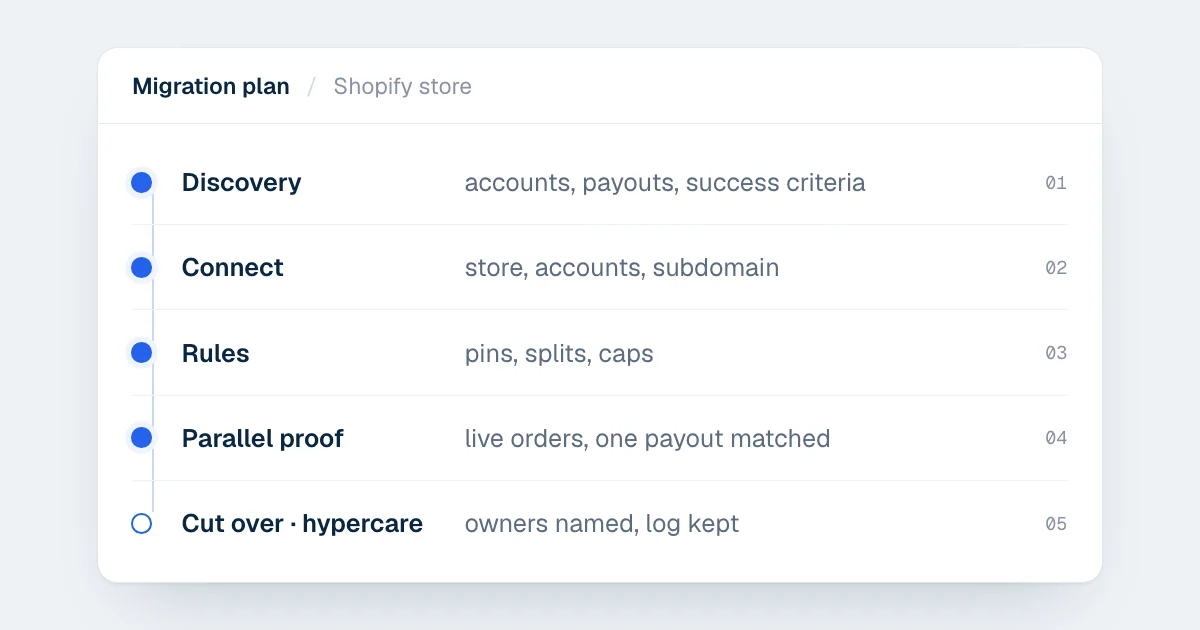
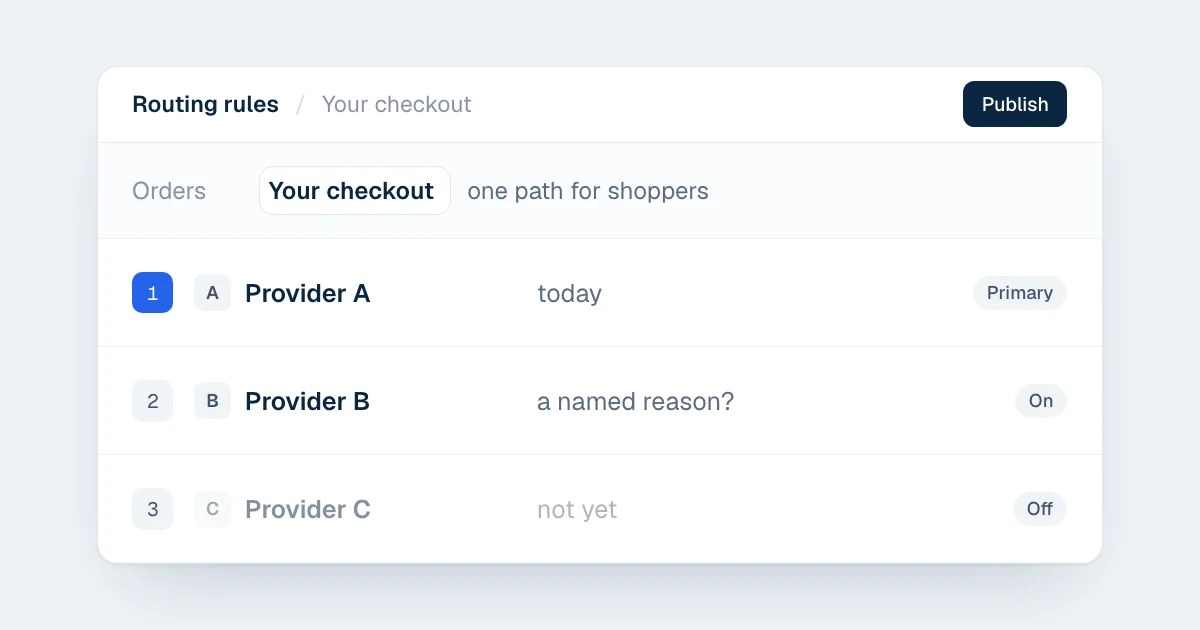
- Decide whether you need a second destination. A reserve usually lets you keep accepting Shopify Payments (Shopify Help: reserves). A later hold or disablement may not, so plan for that case. Official docs already tell declined or deactivated merchants they can activate a third-party provider (acceptable business practices). Connecting a backup before you need it is covered in the backup-account guide. Whether a second provider is worth it in general is a separate question: Should You Run Multiple Payment Providers?.
Where Temble does (and does not) fit
Temble is a payment orchestration layer for Shopify, WooCommerce and custom storefronts. Payments are captured by the accounts you connect and paid out on those processors' schedules. There is no Temble balance for your revenue (Temble homepage, retrieved 2026-11-09).
That means:
- A Shopify Payments reserve is still a Shopify Payments reserve. Temble cannot lift it, shorten it, or advance you the held cash.
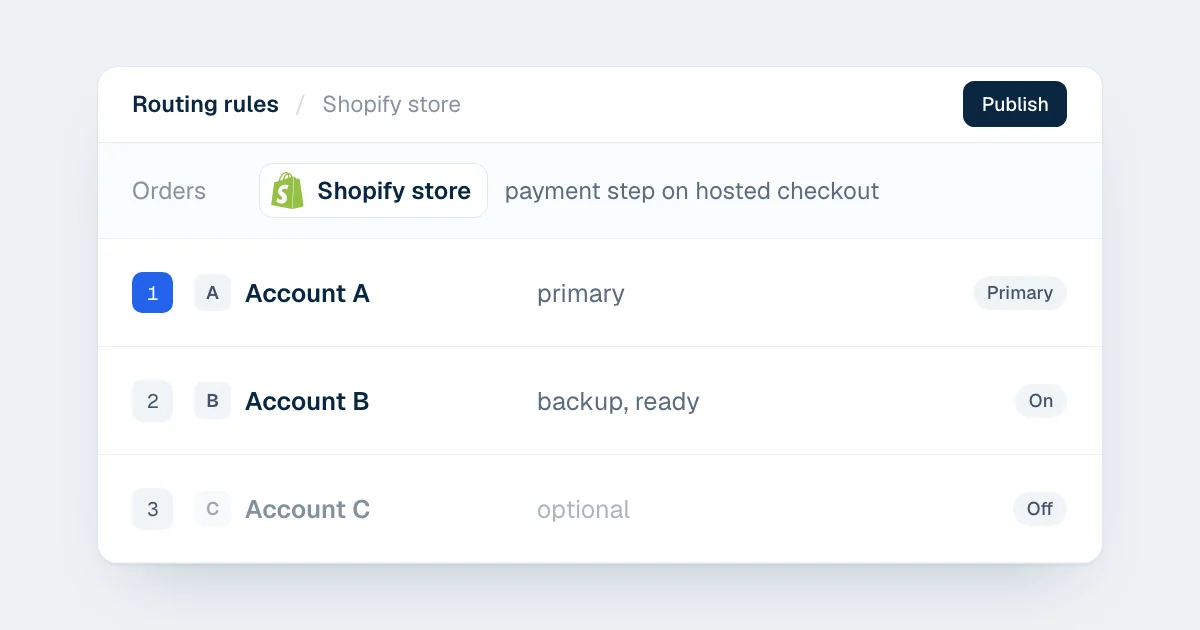
- Temble connects Stripe, Finix and Nuvei accounts today. If you already hold one, you can write routing rules (splits, caps, funnel pins) evaluated before the charge. Shopify's card-provider slot has its own constraints. See the Shopify routing guide.
- The ledger lists payments from Shopify, WooCommerce and custom storefronts in a single list, with the shop named on each payment.
Temble does not retry a declined card on another account (Temble homepage). Routing is not a reserve-release tool.
Frequently asked questions
Does a reserve mean I cannot take new orders?
Usually you can still accept Shopify Payments unless you are told otherwise (Shopify Help: reserves). Confirm it in the terms email. The reserve itself shows under Finance > Payouts. A hold or a deactivation is a different status. See Shopify's account holds page for how a hold works. For deactivation, see Shopify's acceptable business practices page.
How long will Shopify hold the money?
Whatever your terms say. Shopify's Help examples use 120 days; those are examples (reserves). After expiry with no extension, payout can still take several business days.
Can I appeal?
Only if the terms email invites an appeal and you reply in time. Requirement-based reserves are removed automatically after you meet the listed conditions, according to Shopify. They are not appealed by reply (reserves).
Will adding Temble get my reserve released?
No.
Conclusion
A reserve is a risk control on your Shopify Payments cash, with written terms and a review at expiry. Read the email, rebuild the cash-flow model, keep fulfillment clean, and reconcile reserve lines on purpose. If concentration risk worries you, add a backup account before a hold or disablement. A backup is not a magic override of the reserve itself.
For the hold/disable path, continue with Shopify Payments Disabled or On Hold. To see routing and a ledger across accounts you already own, book a 30-minute walkthrough.
About the author. Mattieux Rinot is an SEO Expert at Temble. Temble is a payment orchestration layer that routes payments across a merchant's own accounts and never holds the funds. Mattieux has five years of experience across CRM, customer success and payment processing.
Corrections. Send errors via the contact page; we add a dated update note.
Sources
- Shopify Help: Overview of reserves in Shopify Payments, retrieved 2026-11-10
- Shopify Help: Shopify Payments account holds, retrieved 2026-11-10
- Shopify Help: Acceptable business practices and risk evaluation, retrieved 2026-11-10
- Shopify Community: reserve early-release wait (anecdotal; not an official SLA)
- Temble homepage, retrieved 2026-11-09
- Clearing vs Settlement, One Ledger, Shopify Payments Disabled or On Hold, How to Set Up Payment Routing on Shopify