Two stores and two providers should not mean four spreadsheets. Here is what a unified payment ledger is for, which fields matter, and how Temble's ledger fits.
When merchants say they want orchestration, what they often feel first is reporting pain. Shopify admin sits in one tab, WooCommerce orders in another, Stripe payouts in a third, a second processor in a fourth.
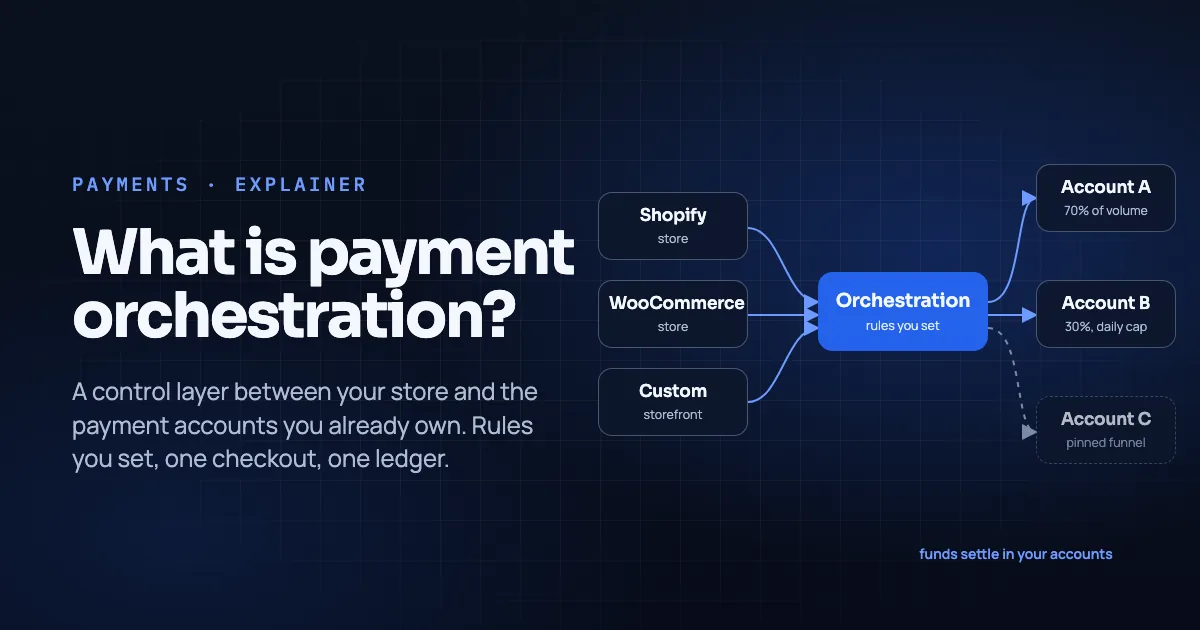
A ledger in this sense is not your general ledger in the accounting tool. It is the payment system of record that names every attempt with enough detail to reconcile payouts and refunds. For why orchestration exists at all, see What Is Payment Orchestration. For money movement timing, see Clearing vs Settlement.
Key Takeaways
- A useful payments ledger tags each row with channel (shop), provider/account, status, and references you can match to bank deposits.
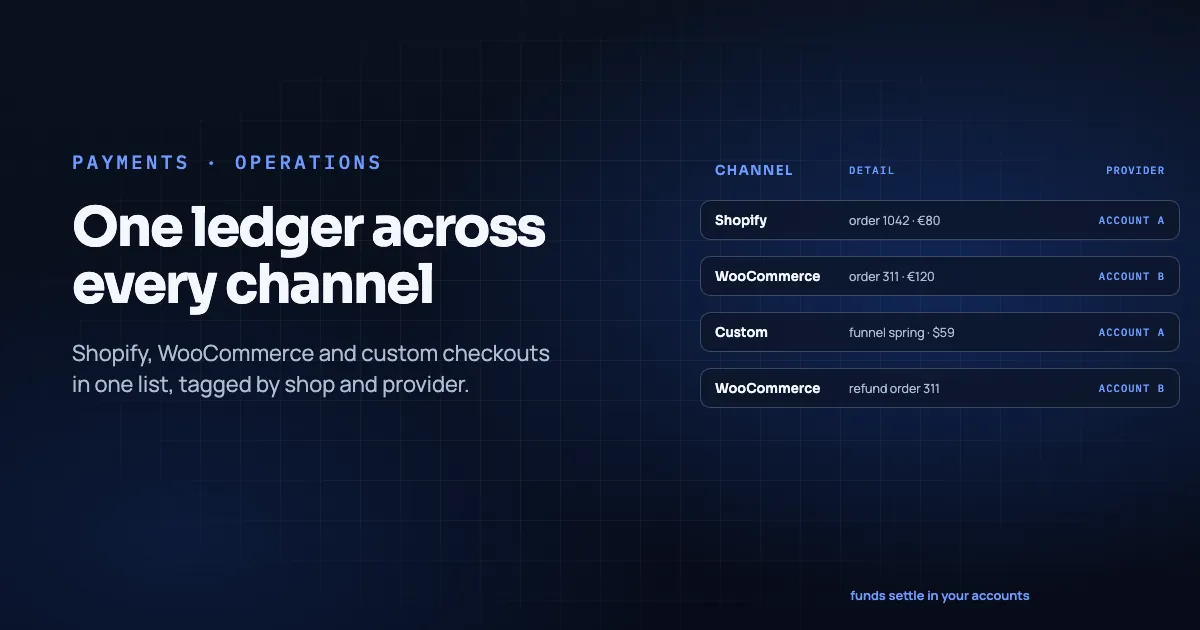
- Temble's published ledger promise: Shopify, WooCommerce and custom storefronts in one list, each payment tagged with its store; refund, filter and export (Temble homepage, pricing page, retrieved 2026-11-09).
- The ledger is not a custodial balance. Temble holds no merchant funds; payouts stay with connected accounts (Temble homepage, retrieved 2026-11-09).
- Build weekly rituals around four metrics per account: first-attempt auth rate, decline mix, fee per order, payout match rate.
In this guide
- What breaks without one list
- Fields that earn their keep
- Ledger vs dashboard vanity charts
- How Temble's ledger fits (published scope only)
- A weekly reconciliation ritual
- Exports finance will actually open
- Disputes and refunds in the same list
- What "good" looks like after 30 days
- Multi-channel specifics
- Hypothetical week (mechanics only)
- Mistakes to avoid
- Sample weekly scoreboard (template)
- Frequently asked questions
- Conclusion
What breaks without one list
Typical failure modes:
- The refund desk cannot tell which provider captured the order, so the refund fails or hits the wrong account.
- Finance "closes the week" with a plug figure because Shopify totals do not equal the sum of provider payouts. The gap comes from fees, partial captures, FX and routing spills.
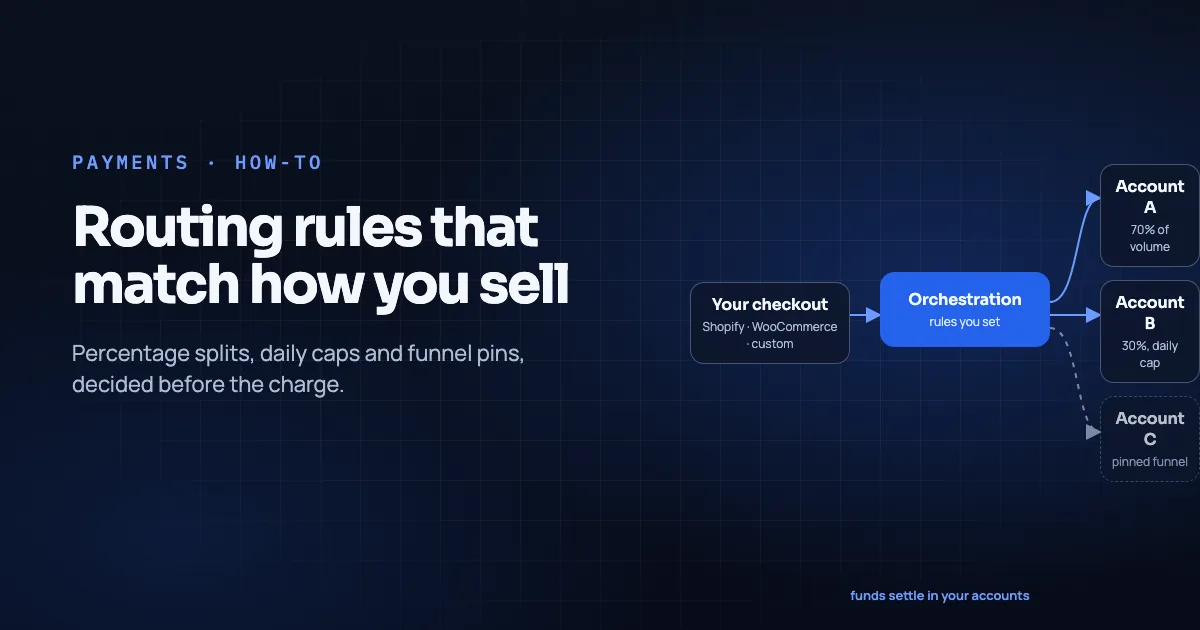
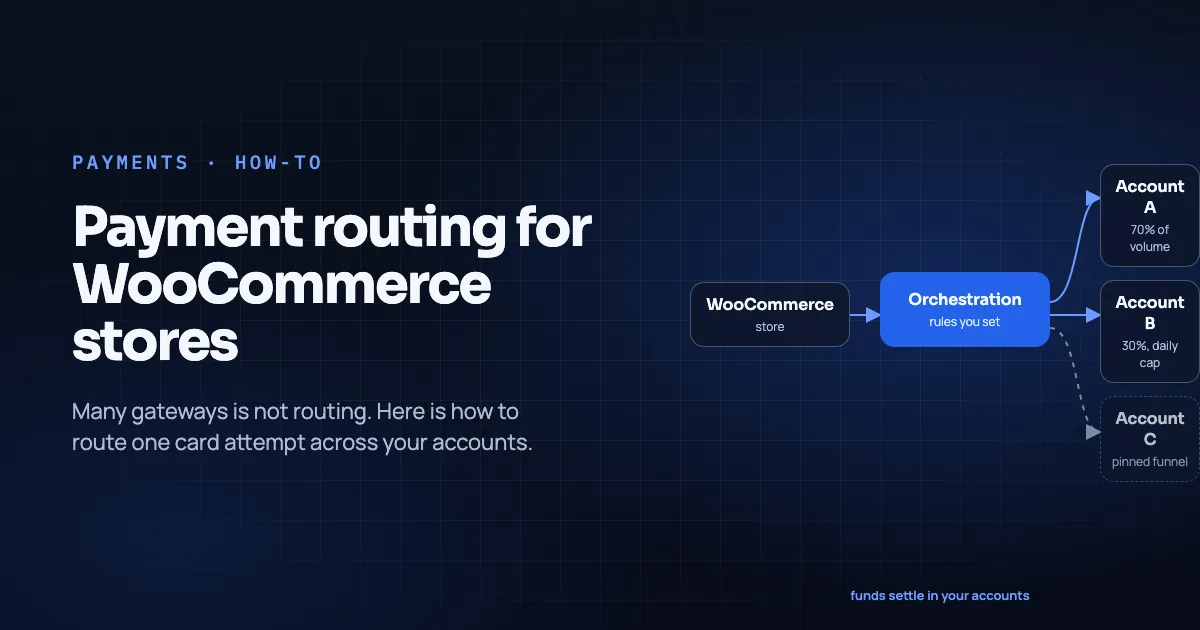
- A daily cap spilled traffic to Account B (routing rules) and nobody noticed until the bank feed looked "short" on A.
- Custom funnel orders never appear beside store orders with the same customer email.
None of those require a vendor case study. They show up as Slack threads.
Fields that earn their keep
Minimum columns for a payments ledger row:
| Field | Why it matters |
|---|---|
| Timestamp | Match to payout batches and support tickets |
| Amount + currency | FX and multi-currency payouts |
| Status | Succeeded / declined / refunded / disputed |
| Shop / channel | Shopify shop name, Woo site, custom funnel ID |
| Provider / account | Which connected setup captured or declined |
| Store order ID | Join back to OMS / Shopify / Woo |
| Provider reference | Join to payout report lines |
| Decline code (if any) | Feed the retries playbook |
Temble's public marketing emphasizes the shop named on each payment and one list across channels (Temble homepage, pricing page). When you evaluate any ledger, Temble's or another, ask for a sample export with the columns above.
Ledger vs dashboard vanity charts
Revenue charts are fine for Monday standup. They are not reconciliation. Centralized reporting is usually the first thing merchants feel when they run several providers. Centralized does not mean "one green chart." It means joinable references.
How Temble's ledger fits (published scope only)
From Temble's site and pricing page (retrieved 2026-11-09):
- One transactions list across Shopify, WooCommerce and custom checkouts.
- Shop named on the payment.
- Refunds and exports from that record.
- Routing still chooses the account before the charge; declines are not cross-retried (Temble homepage).
- No Temble balance: connected accounts settle and pay out themselves (Temble homepage).
The public pages do not promise automatic bookkeeping entries in Xero/QuickBooks, guaranteed FX accounting, or dispute-win rates. So this article will not promise them either. If you need ERP posting, treat that as a separate integration project on top of the export.
A weekly reconciliation ritual
- Export the ledger for the week (all channels).
- Export payout reports from each connected provider for the same dates.
- Match provider references → ledger rows → store order IDs.
- Explain every unmatched line (pending settlement, refund lag, chargeback, FX fee).
- Record four metrics per account: first-attempt auth rate; top decline codes; fee per order; % of payout lines matched.
Time-box it. The ritual fails when it becomes a monthly archaeology dig.
Exports finance will actually open
Agree the file contract once:
- CSV or spreadsheet with stable column headers.
- UTF-8, one row per payment attempt (or per successful payment plus a separate declines export; pick one and stick to it).
- IDs as text so leading zeros survive Excel.
- A data dictionary in the first tab: what "shop" means, what provider codes map to which legal entities.
Then connect that export to whatever you already use (Sheets, warehouse, ERP import). The ledger product's job is completeness and join keys; your accounting tool's job is books. Blurring those creates shadow ledgers.
Disputes and refunds in the same list
Refunds must point at the original provider reference. Disputes (chargebacks) arrive on the acquirer that settled the charge. That is why routing decisions from weeks ago still matter (clearing vs settlement). A ledger that drops provider identity on refund rows will train your support team to guess.
Operational rule: no refund without a ledger row that shows provider + provider reference + store order ID. If the row is missing, fix ingestion before you refund "from memory."
What "good" looks like after 30 days
- Every payout line for the month maps to ledger rows (or an explained exception list shorter than a page).
- Support can find provider + reference in under a minute from a customer email + approximate amount.
- Routing changes show up as dated shifts in the provider mix chart, not as mysteries.
- Declines are visible enough to feed a monthly soft-vs-hard review (retries playbook).
If you cannot tick those boxes, you do not have a ledger yet. You have a dashboard.
Multi-channel specifics
Shopify + WooCommerce. Two platforms will never share a native order ID scheme. The ledger's job is to carry both and still point at one provider reference. Platform routing constraints differ (Shopify vs WooCommerce), but reconciliation math does not.
Custom / headless. Custom checkouts using Temble's signed checkout API should emit the same ledger shape as app/plugin stores (Temble homepage FAQ on platforms, retrieved 2026-11-09). If a custom funnel bypasses the ledger, you have rebuilt the spreadsheet problem on purpose.
Hypothetical week (mechanics only)
- Mon: Shopify order → Account A (split).
- Tue: Woo order → Account B (EU pin).
- Wed: Cap on B spills a Shopify EU order to A.
- Thu: Refund on Tuesday's Woo order must hit B.
- Fri: Finance matches two payout files to one ledger export; Wednesday's spill is visible because the provider field flipped to A.
No predicted totals. Just the joins you need.
Mistakes to avoid
- Using store "paid" as a synonym for "settled in my bank" (clearing vs settlement).
- Deleting old provider credentials after a switch before the return window closes (see the Shopify routing guide).
- Letting marketing funnels write charges that never tag a shop name.
- Optimizing for dashboard aesthetics instead of export completeness.
Sample weekly scoreboard (template)
Copy this into your ops doc and fill it with your numbers, never with aspirational industry averages:
| Account | First-attempt auth % | Top soft code | Top hard code | Fee / order | Payout lines matched % |
|---|---|---|---|---|---|
| A | |||||
| B |
Add a notes column for rule changes that week (e.g. "Tuesday: EU pin enabled"). The scoreboard exists to make routing rule edits accountable, not to decorate a slide.
Also log refund volume by provider. If refunds cluster on the account that received pinned riskier funnels, that is expected. It belongs in the same conversation as dispute monitoring, not as a surprise at month-end.
Frequently asked questions
Is the Temble ledger a bank account?
No. It is a unified transaction list. Funds settle in your connected accounts (Temble homepage).
Can I reconcile without orchestration?
Yes, with enough ops time. Orchestration earns its keep when channel count × provider count makes manual joins brittle (orchestration).
Do declines belong in the ledger?
Yes. Declines drive the soft-decline playbook and explain auth-rate movement. Omit them and you will misread the week.
Conclusion
One ledger is the unglamorous half of orchestration: shop, provider, status, references, export. Temble's product framing matches that job without turning Temble into a custodian.
See pricing for what the weekly fee includes, or book a walkthrough of the transactions view on a multi-channel setup.
About the author. Mattieux Rinot is an SEO Expert at Temble. Temble is a payment orchestration layer that routes payments across a merchant's own accounts and never holds the funds. Mattieux has five years of experience across CRM, customer success and payment processing.
Corrections. Send errors via the contact page; we add a dated update note.