
A payout hold is not a reserve, and a disabled account is not either. Here is how Shopify defines each status, what official docs say you can do next, and how to prepare a second account early.
This guide is for Shopify founders and ops leads who just saw a hold banner, or who want a plan before one appears. It uses Shopify's Help Center language for account holds, reserves, and declined or deactivated Shopify Payments accounts. One community thread illustrates how painful the wait can feel. It is not a substitute for your official email. For how reserves work, see When Shopify Payments Puts a Reserve on Your Payouts.
Key Takeaways
- During many Shopify Payments account holds, you can still work on the store but you cannot receive payouts until the reason is resolved. In most cases customers can still check out; in some cases the store cannot accept new orders (Shopify Help: account holds, retrieved 2026-11-10). Check the admin banner or the store-owner email.
- Only the store owner can access specific account details and resolve a hold (same Help article).
- If Shopify Payments is declined or deactivated, official guidance includes appealing where applicable and activating a third-party payment provider to keep processing (Shopify Help: acceptable business practices, retrieved 2026-11-10).
- A hold, a reserve, and a disablement are different tools. Mixing them up wastes the first 48 hours.
- Temble cannot unfreeze Shopify's hold. It also does not retry a declined card onto a backup account (Temble homepage, retrieved 2026-11-09). A second destination only helps if it is already connected and allowed to take the card path.
In this guide
- Hold vs reserve vs disabled
- What Shopify says can trigger a hold
- First 48 hours: follow the official path
- Why "we'll add Stripe after we're frozen" is usually too late
- How a backup account fits with Temble
- A simple readiness checklist (do this on a quiet week)
- Frequently asked questions
- Conclusion
Hold vs reserve vs disabled
Use this table when the banner is vague:
| Status | Typical effect on payouts | Typical effect on checkout | Official page |
|---|---|---|---|
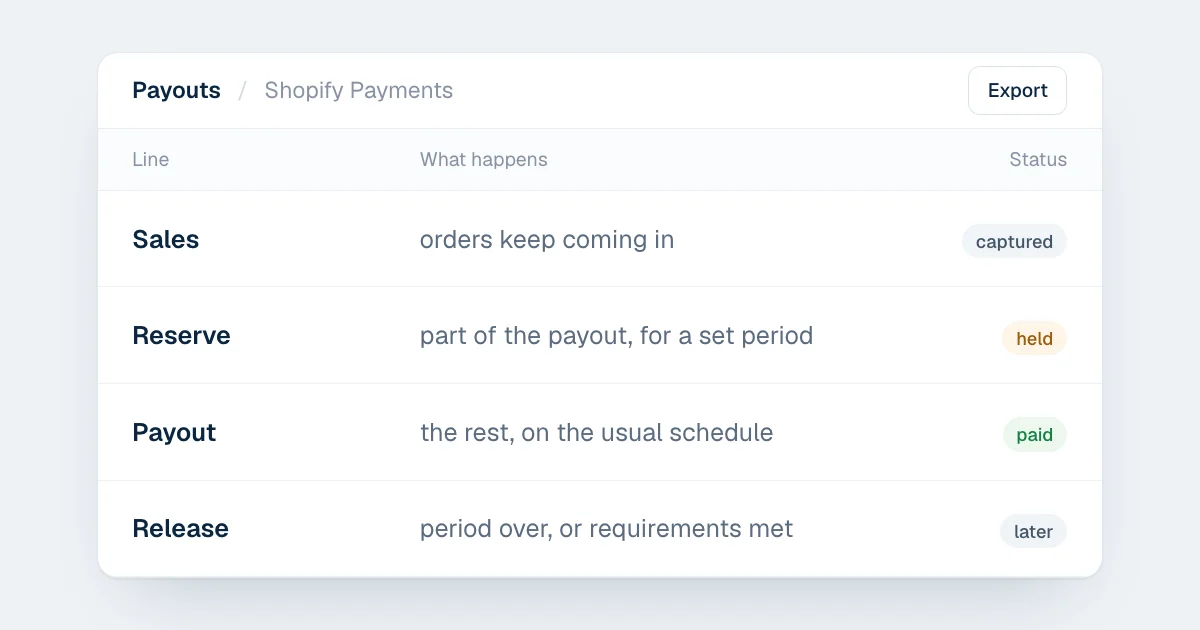
| Reserve | A portion (or all) of volume is parked for a stated period; remaining funds may still be paid out | Usually still accepting payments unless told otherwise | Reserves |
| Account hold | No Shopify Payments payouts until resolved | Often checkout still works; sometimes new orders are blocked | Account holds |
| Declined / deactivated Shopify Payments | Payouts may be suspended; the Shopify Payments account may be closed | You may need another provider to take cards | Acceptable business practices |
Shopify also lists intermediate actions for elevated risk (acceptable business practices):
- Longer custom payout schedules. Shopify gives a range of 5 to 20 business days.
- Reserves.
- Holds on payouts or charges.
- Documentation requests.
- Further review.
- In severe cases, suspended payouts or deactivated charges.
What Shopify says can trigger a hold
Holds are account-specific. Official possible reasons include information requirements, incorrect bank-account details, product eligibility, sanctions, and creditor or legal actions (account holds). The same page lists supportability: a business type not supported on Shopify Payments.
Two special cases on that page:
- Creditor or legal action. The processors behind Shopify Payments may be required to hold payouts when they receive a legal notice. Shopify names Stripe, PayPal or Adyen, depending on region. Shopify says it cannot remove this type of hold; only the processor can, after a release from the creditor.
- High-value goods review. Banking partners may ask more questions about jewelry, precious metals, art, designer goods, watches and similar items. Complete the review in admin, or remove those goods. If you do neither by the required date, Shopify says you need to set up an alternative payment provider to keep accepting payments.
New accounts can accept payments immediately after setup, then be placed on hold if banking partners need more verification (account holds).
Shopify's risk-evaluation page is broader than chargebacks. Inaccurate listings, deceptive subscription terms, inauthentic reviews, and unreliable fulfillment can matter even when dispute rates look "fine." The platform may act before you hit card-network thresholds (acceptable business practices).
First 48 hours: follow the official path
- Find the store-owner email. Shopify sends the hold email to the store owner address, listed in Settings > Users and permissions under Store owner (account holds). Reserve terms also arrive by email (reserves). Check spam.
- Treat links carefully. Shopify itself tells you to verify email legitimacy before clicking or sending banking details (phishing guidance is linked from the holds article).
- Reply with what was requested. Shopify's stated fastest path to restore payouts is to provide the information requested and reply directly to Shopify's email (account holds). Store staff cannot resolve this for the owner.
- Confirm whether checkout is still live. Do not assume. The banner or email is the source of truth.
- Separate the dispute outcome from the risk decision. One merchant described Shopify Payments staying disabled, and funds held until October 2026, even after winning a £74.49 chargeback (Shopify Community, June 2026). That is anecdotal. Other community members replying made the same point: a risk decision is separate from a dispute outcome.
If the account is declined or deactivated, Shopify's published next steps include the relevant appeal or reapplication path (acceptable business practices). The same page says you can also activate a third-party payment provider to continue processing.
Why "we'll add Stripe after we're frozen" is usually too late
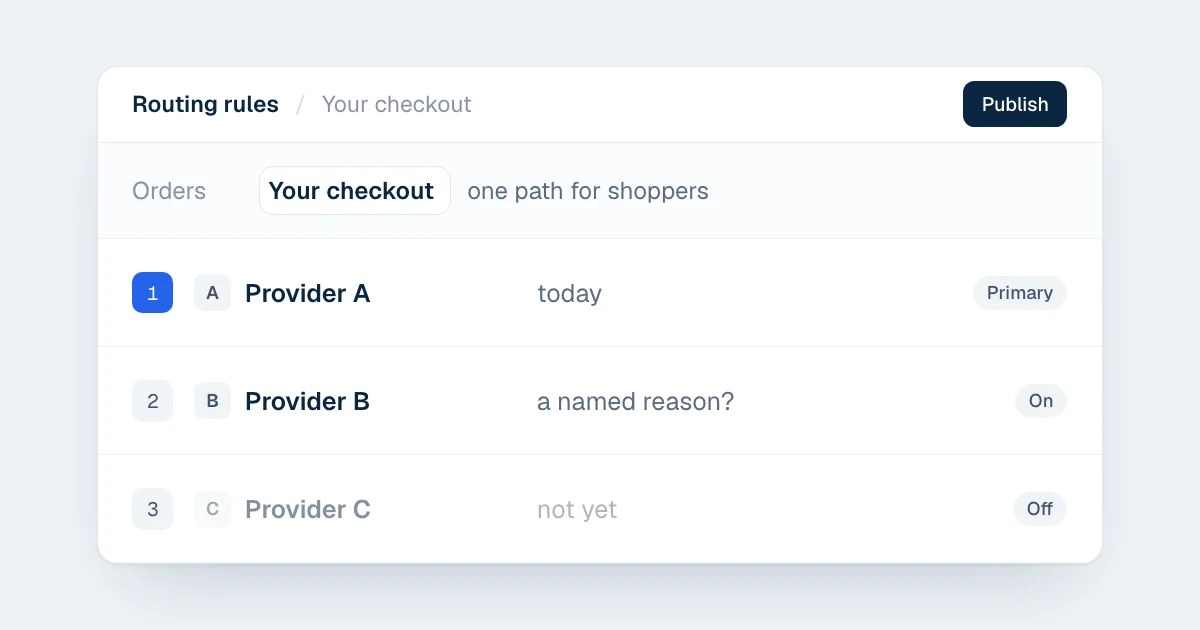
Shopify's card checkout is built around Shopify Payments, a third-party provider, or both together (Shopify Help: Payments, retrieved 2026-11-09). The Shopify routing guide has the details. Switching or adding a provider under time pressure means:
- Credentials and tax settings.
- Refunds on old orders still belonging to Shopify Payments.
- A checkout path that stays on-brand rather than a panicked redirect.
- A ledger that still names the shop and the provider.
Doing that work while payouts are already stopped is how stores go dark for a week. Whether you should run multiple providers in general (costs, complexity, when it is overkill) is covered in Should You Run Multiple Payment Providers?.
The narrow point here is operational. Official docs already contemplate a third-party provider when Shopify Payments is declined, deactivated, or blocked by an unfinished high-value-goods review. Connecting that destination before the email lands is the cheap version of the same project.
How a backup account fits with Temble
Temble sits between your Shopify store and the payment accounts you connect. You write the rules. Shoppers can pay on your subdomain. Funds settle in the accounts you own, never in a Temble account (Temble homepage, retrieved 2026-11-09).
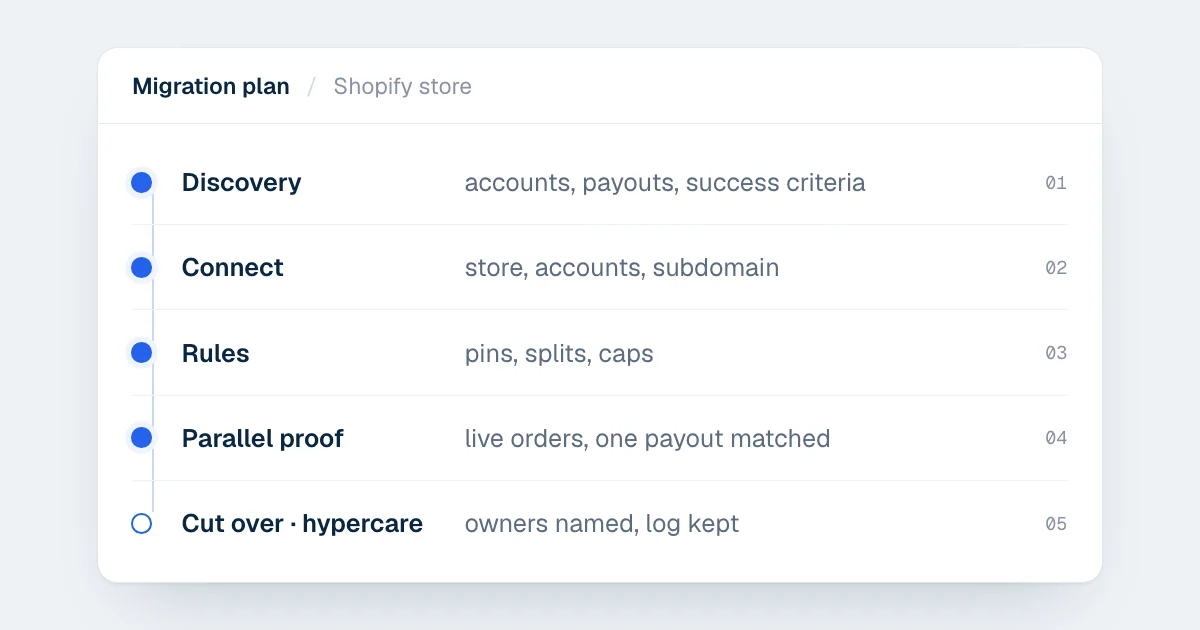
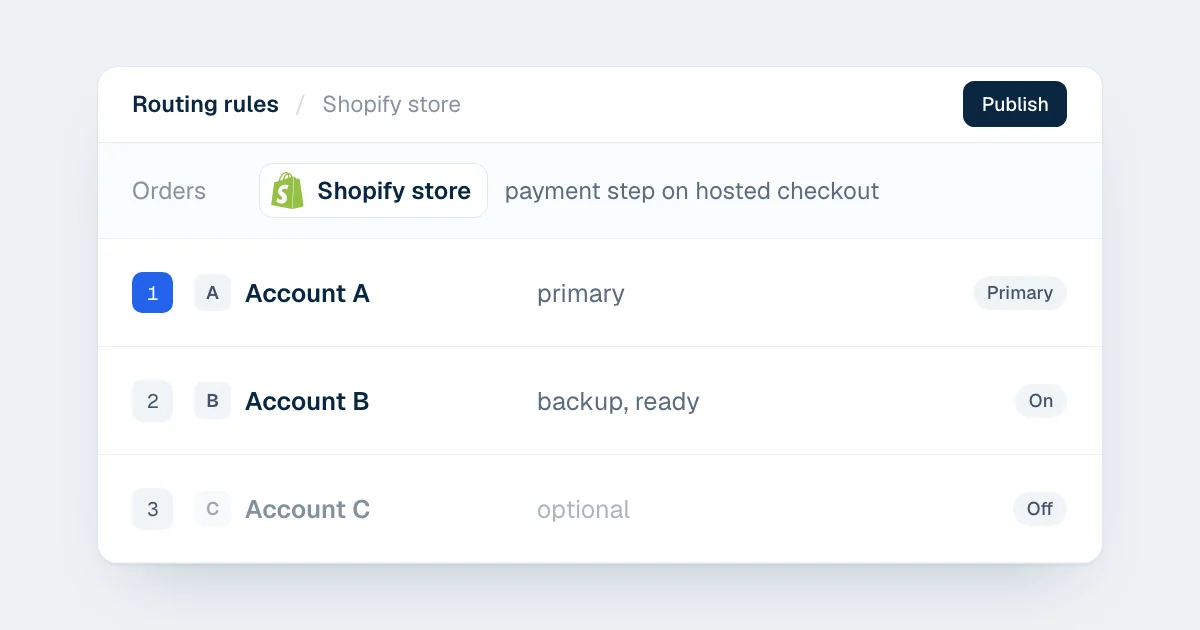
How the pieces sit together depends on your Shopify Payments settings. With Temble, the hosted checkout takes the payment step. Pins, splits and caps are evaluated before the charge, across the accounts you connected. If Shopify Payments is deactivated, those connected accounts carry the card volume. Confirm the setup against the Shopify routing guide and Shopify's current Payments settings.
Honest limits:
- Temble cannot remove a Shopify hold or reserve.
- Temble does not retry a declined card onto the backup account (Temble homepage).
- A backup account must already be underwritten and live. Orchestration without a second destination is an empty dashboard (What Is Payment Orchestration).
The ledger names the provider that captured each payment, so a refund goes back through that account. Orders captured by Shopify Payments before the switch stay in Shopify's own payout reports.
A simple readiness checklist (do this on a quiet week)
- Store-owner email is monitored, with a backup on the inbox.
- Supplier invoices, inventory photos, tracking exports and incorporation docs live in one folder. Use Shopify's holds page as the request list.
- A second payment account is approved, or you know the lead time to get one.
- You have tested checkout, refunds and webhooks on staging for that account.
- Finance knows two payout calendars may exist (clearing vs settlement still applies).
Frequently asked questions
Can customers still pay while payouts are on hold?
In most cases Shopify says yes, but you will not be paid out until the hold is resolved. In some cases the store cannot accept new orders (account holds). Check the banner or store-owner email.
Who can fix the hold?
Only the store owner, via the information Shopify requested (account holds).
Does winning a chargeback automatically turn Shopify Payments back on?
Shopify does not say that. At least one community report describes disablement continuing after a merchant-won dispute (Community thread). Follow the risk-review email, not the chargeback case alone.
Will Temble unfreeze my funds?
No. Funds remain on the connected provider's payout path (Temble homepage).
Conclusion
Read the status correctly: reserve, hold, or disabled. Then do the official paperwork fast, and do not wait until checkout is dark to add a lawful second provider. Shopify already documents that path for declined or deactivated accounts.
Want to see how a Shopify store plus more than one of your own accounts shows up in one ledger? Book a walkthrough, or start with what payment orchestration is.
About the author. Mattieux Rinot is an SEO Expert at Temble. Temble is a payment orchestration layer that routes payments across a merchant's own accounts and never holds the funds. Mattieux has five years of experience across CRM, customer success and payment processing.
Corrections. Send errors via the contact page; we add a dated update note.
Sources
- Shopify Help: Shopify Payments account holds, retrieved 2026-11-10
- Shopify Help: Acceptable business practices and risk evaluation, retrieved 2026-11-10
- Shopify Help: Overview of reserves, retrieved 2026-11-10
- Shopify Help: Payments, retrieved 2026-11-09
- Shopify Community: Payments disabled after a won chargeback (anecdotal)
- Temble homepage, retrieved 2026-11-09
- Shopify Payments reserves, Payment Routing on Shopify, Should You Run Multiple Payment Providers?