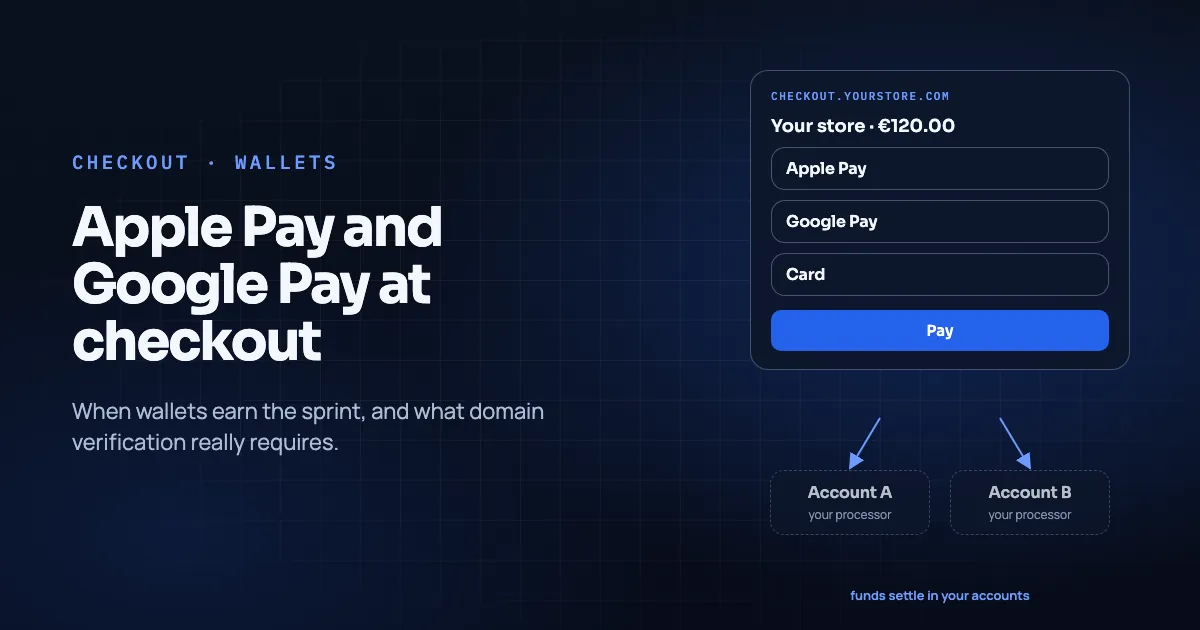
Apple Pay and Google Pay do one useful job well. They let a shopper pay with a card (or network token) already stored in a wallet, without retyping the number. They do not replace your processor, your acquirer relationship, or your refund policy. They sit on top of a card path you already need.
This guide is for founders and ops leads deciding whether wallet buttons deserve a sprint before peak season. It also covers how they fit a non-custodial orchestration checkout like Temble. For the broader map of gateway vs PSP vs orchestration, see Payment Gateway vs PSP vs Orchestration Layer. For peak-season sequencing, see the multi-acquirer checklist.
Key Takeaways
- Wallets reduce friction for shoppers who already have a card in Apple Pay or Google Pay. They do not, by themselves, change issuer risk decisions.
- Apple requires you to register and verify every domain where you show the Apple Pay button (Apple Developer documentation). Google Pay also expects every domain that shows the button to be registered with your provider (Stripe Google Pay docs).
- On Temble, Apple Pay and Google Pay are served through your connected account on the hosted checkout on your own domain. Temble registers the Apple Pay domain for you (integrations directory, retrieved 2026-11-09).
- Test a real wallet payment on the production domain before you count on the button. A verified domain is not the same as a successful capture.
- No conversion percentage is claimed here. Decide with your own funnel data: share of eligible devices, drop-off on card fields, and support tickets about typing errors.
In this guide
- What a wallet payment actually is
- When wallets tend to matter operationally
- Domain work: the part teams skip
- How wallets sit on Temble Checkout
- A practical enablement checklist
- What wallets do not fix
- Shopify and WooCommerce notes
- Frequently asked questions
- Conclusion
What a wallet payment actually is
In plain terms:
- The shopper authenticates to the wallet (device biometrics, passcode, or account).
- The wallet provides a tokenized payment credential to the merchant's payment stack.
- Your connected processor/acquirer path authorizes with the issuer, as with other card attempts.
- Settlement follows that connected account's normal payout schedule.
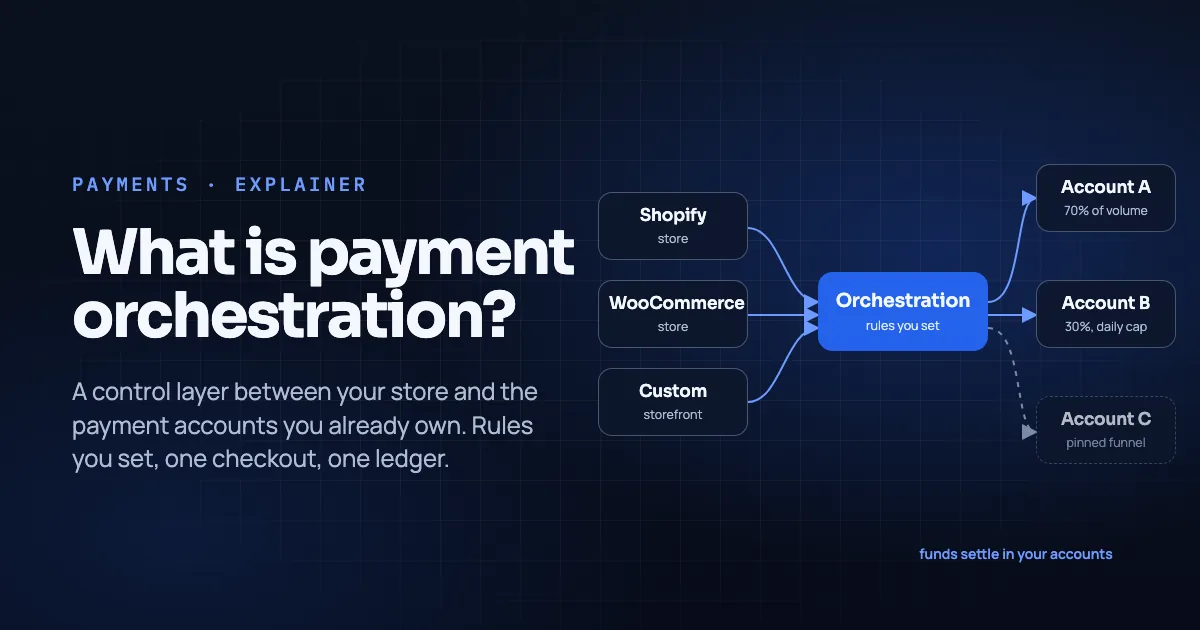
The shopper experience feels like "one tap." The money path is still card rails plus whatever your processor configured. Orchestration, if you use it, still chooses which of your connected accounts may take the attempt. It does not become Apple or Google (What Is Payment Orchestration).
When wallets tend to matter operationally
You do not need a vendor case study to decide. Look at your own checkout:
- High mobile share and visible drop-off on card number / expiry / CVC fields.
- Returning customers who already buy with wallets elsewhere and abandon when only a long card form appears.
- Brand trust on a checkout that already sits on your domain: express buttons that match what shoppers see on other reputable stores.
- Peak events where typing speed and autofill failures show up in session recordings.
Wallets help less when almost all volume is desktop keyed cards that already convert. They also help less when your connected account cannot enable the wallet in the markets you sell. The same goes when the button fails silently because the domain was never registered.
No lift percentage is published here. If a vendor quotes one, ask for the population, the date range and whether it includes only wallet-eligible sessions.
Domain work: the part teams skip
Apple Pay on the web. Apple requires you to register and verify every domain and subdomain where you show the Apple Pay button. You do that by hosting its domain association file where Apple's servers can reach it (Apple Developer documentation, retrieved 2026-11-09). In practice, keep that file clear of any proxy or redirect that would block the check.
Google Pay on the web. Stripe's documentation (a common connected-processor path) states you must serve over HTTPS with a TLS domain-validated certificate. It also says you must register all web domains that show a Google Pay button, including www and other subdomains, in production and testing (Stripe: Google Pay, retrieved 2026-11-09).
Temble's published behavior. Apple Pay is available on the hosted checkout on your own domain; Temble registers the domain with Apple for you. Google Pay is available on the hosted checkout where your connected account has it enabled (integrations directory, retrieved 2026-11-09). That removes some certificate paperwork from your sprint. It does not remove the need to confirm the button on the live subdomain before peak.
How wallets sit on Temble Checkout
Temble hosts checkout on your subdomain, from the card form through the thank-you page. Card details stay with the processor (Temble homepage, retrieved 2026-11-09). Wallets are payment methods through your connected account, not methods Temble acquires on its own. Temble is not an acquirer and adds no payment method of its own (integrations directory, retrieved 2026-11-09).
As of pages retrieved for this article:
| Method | Status wording on integrations | Notes |
|---|---|---|
| Apple Pay | Via your account | Hosted checkout on your domain; Temble registers the domain with Apple |
| Google Pay | Via your account | Where the connected account has it enabled |
| PayPal | Via your account | Where your connected Stripe account has PayPal enabled |
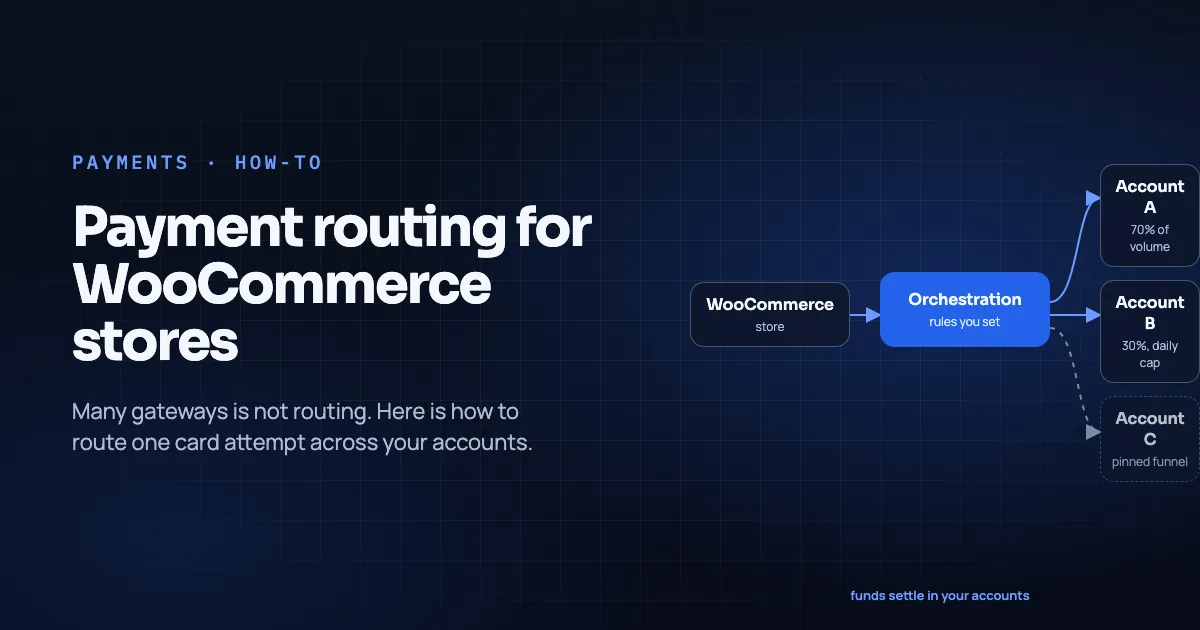
Routing still happens before the charge, using the rules you wrote (splits, daily caps, funnel pins). A declined attempt is shown to the shopper and is not retried on another account (Temble homepage, retrieved 2026-11-09). Wallet declines follow the same published rule as card declines: no automatic cross-account retry.
Connectable processors listed Live today are Stripe and Finix; wallet availability follows capabilities enabled on each account (integrations directory, retrieved 2026-11-09).
A practical enablement checklist
- Confirm the wallet is enabled on the connected Stripe or Finix account for the countries and currencies you sell.
- Confirm the Temble checkout subdomain you will use in production.
- Complete Apple Pay domain registration (Temble handles Apple registration per the integrations page) and Google Pay domain registration as required by the connected processor.
- Place a real small-value order with Apple Pay on an eligible Apple device and with Google Pay on an eligible Android/Chrome setup.
- Refund that order from the ledger you will use in production. Confirm the store order status updates (Shopify handoff or WooCommerce plugin flow, see the integrations directory).
- Train support: wallet payments still refund and dispute like cards; the channel is different, the ops ownership is not.
What wallets do not fix
- A weak product page or slow site.
- An issuer decline for insufficient funds or suspected fraud.
- Missing shipping or tax configuration that breaks the order after payment.
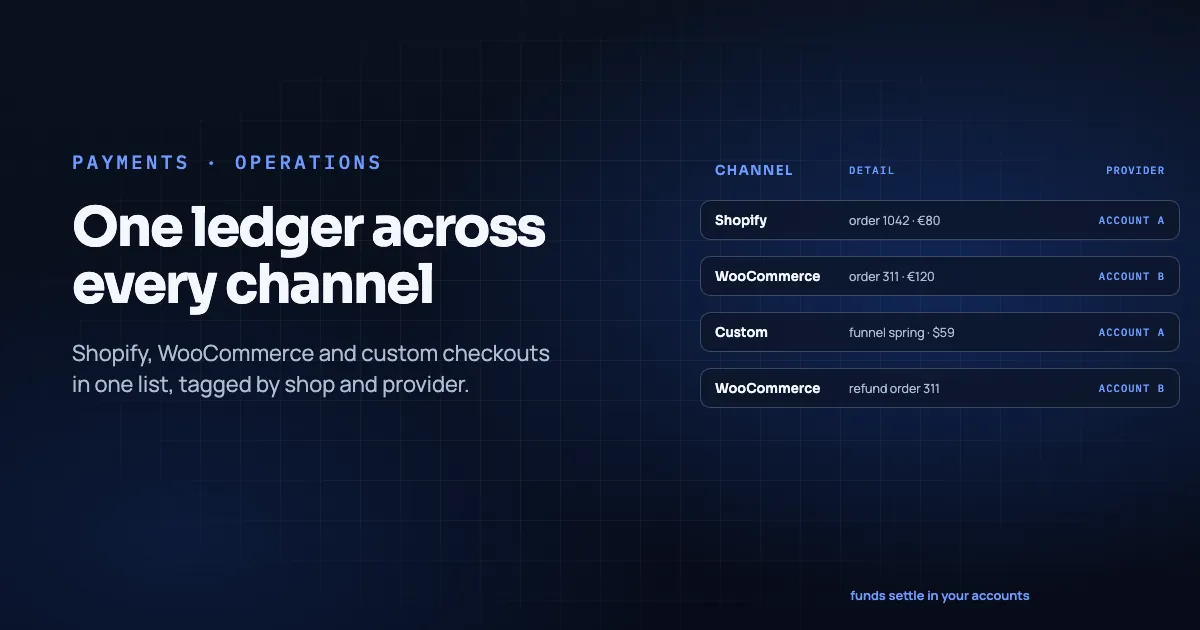
- Reconciliation across two processors with no shared ledger. For that job, see orchestration and the ledger discussion in the orchestration guide.
If your main problem is "we need rules across accounts," start with routing, not with a second wallet button. If your main problem is "mobile users bounce on the card form," wallets earn the sprint.
Shopify and WooCommerce notes
On Shopify, Temble connects as a store from the dashboard. The hosted checkout takes the payment step and hands the order back, and your theme stays yours (integrations directory, retrieved 2026-11-09). Wallet buttons then live on that hosted checkout domain. Verify that domain, not only the myshopify.com admin URL. Card-provider constraints on Shopify are covered in the Shopify routing guide.
On WooCommerce, the WordPress plugin runs the payment step on the hosted checkout; orders and refunds flow back (integrations directory, retrieved 2026-11-09). Cache and security plugins that break /.well-known/ paths are a common reason Apple domain checks fail on self-hosted stacks. Keep that path reachable if you ever host verification files yourself on an adjacent domain.
Frequently asked questions
Do Apple Pay and Google Pay bypass my processor?
No. They tokenize credentials for a payment that still runs through your connected processor/acquirer path. Temble routes to connected accounts; it does not replace them (integrations directory, retrieved 2026-11-09).
Will enabling wallets raise conversion by X%?
No figure is claimed here. Measure wallet-eligible sessions, button render rate, and completion rate on your own store before and after.
Does Temble hold wallet settlement differently from cards?
No. Funds settle in the payment accounts you own, on those processors' schedules. There is no Temble balance (Temble homepage, retrieved 2026-11-09).
Is Shop Pay the same as Apple Pay?
No. Shop Pay is Shopify's own accelerated checkout. Temble's integrations directory lists Apple Pay and Google Pay (and PayPal) as wallet methods via your connected account. Treat Shop Pay as a separate Shopify-native topic unless your own stack documents otherwise.
Conclusion
Apple Pay and Google Pay help when typing friction is real and the domain work is finished. They are not a substitute for a sound processor setup, clear refund ops, or (when you hold several accounts) an explicit routing policy.
Enable them on the connected account, verify the production domain, capture and refund a real test order, then watch your own funnel. For BNPL methods that also ride through connected accounts, see BNPL in the Temble Checkout.
To see wallets on a hosted checkout subdomain with your routing rules, book a 30-minute walkthrough.
About the author. Mattieux Rinot is an SEO Expert at Temble. Temble is a payment orchestration layer that routes payments across a merchant's own accounts and never holds the funds. Mattieux has five years of experience across CRM, customer success and payment processing.
Corrections. Send errors via the contact page; we add a dated update note.
Sources
- Temble homepage (subdomain checkout, decline behavior, custody), retrieved 2026-11-09
- Temble integrations (Apple Pay, Google Pay, PayPal via connected account; Apple domain registration note), retrieved 2026-11-09
- Apple, Apple Pay on the Web: Configuring your environment, Apple Developer documentation (domain verification requirements), retrieved 2026-11-09
- Stripe, Google Pay (HTTPS and domain registration), retrieved 2026-11-09
- What Is Payment Orchestration
- Payment Gateway vs PSP vs Orchestration Layer
- How to Set Up Payment Routing on Shopify (2026 Guide)