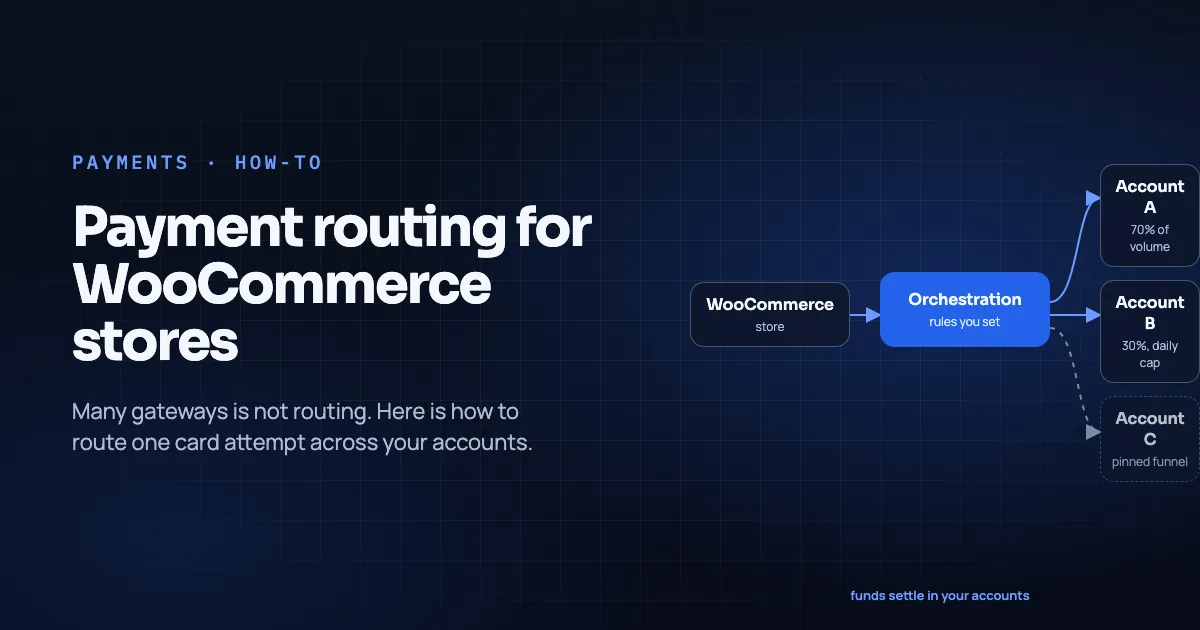
WooCommerce lets you enable many gateways. That is not the same as routing one card attempt across your accounts. Here is how to design real payment routing on Woo in 2026.
This guide is for founders, ops leads and WordPress developers who already hold two or more payment accounts. It assumes you run, or plan to run, a WooCommerce store. It complements the Shopify routing guide: same job, different platform constraints. For rule design detail, see How to Write Routing Rules. For vocabulary, see What Is Payment Orchestration.
Key Takeaways
- WooCommerce Admin → WooCommerce > Settings > Payments lets you enable providers and drag-reorder how methods appear at checkout (WooCommerce docs, retrieved 2026-11-09).
- Enabling two card gateways usually means the shopper picks a method. It does not mean one card PAN is automatically tried on Acquirer B after Acquirer A soft-declines.
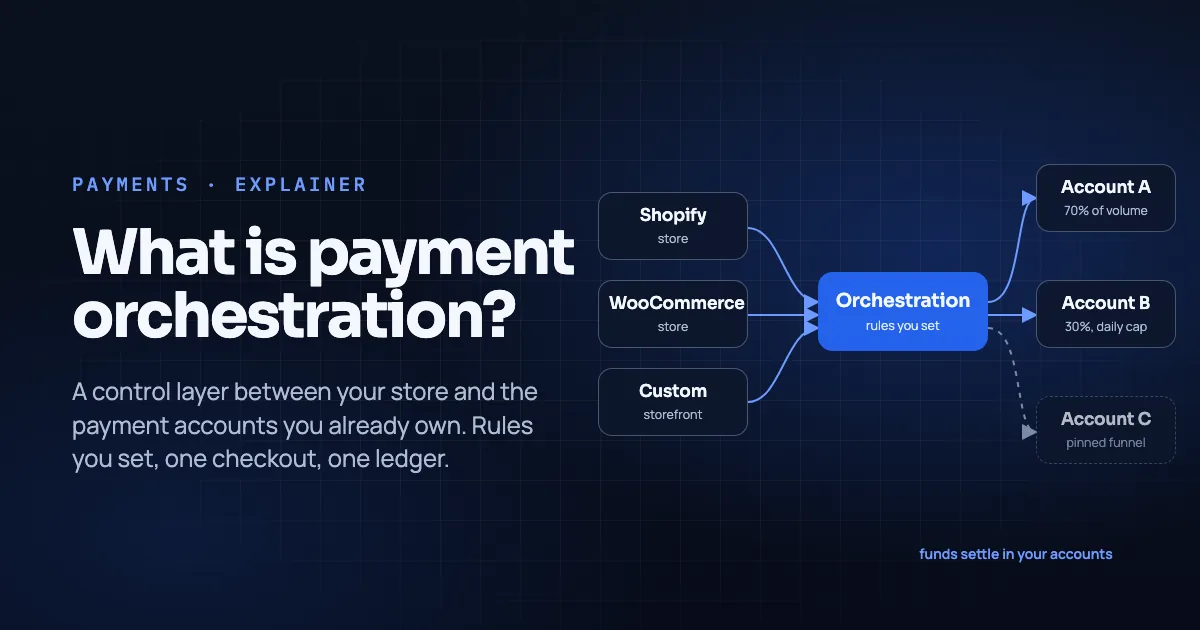
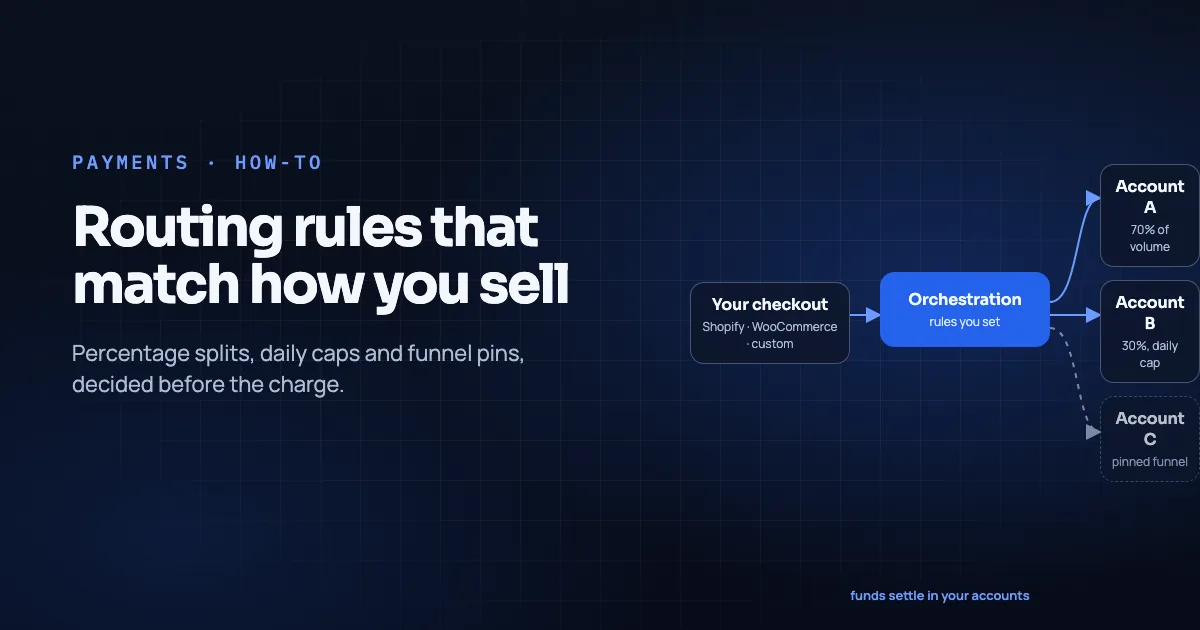
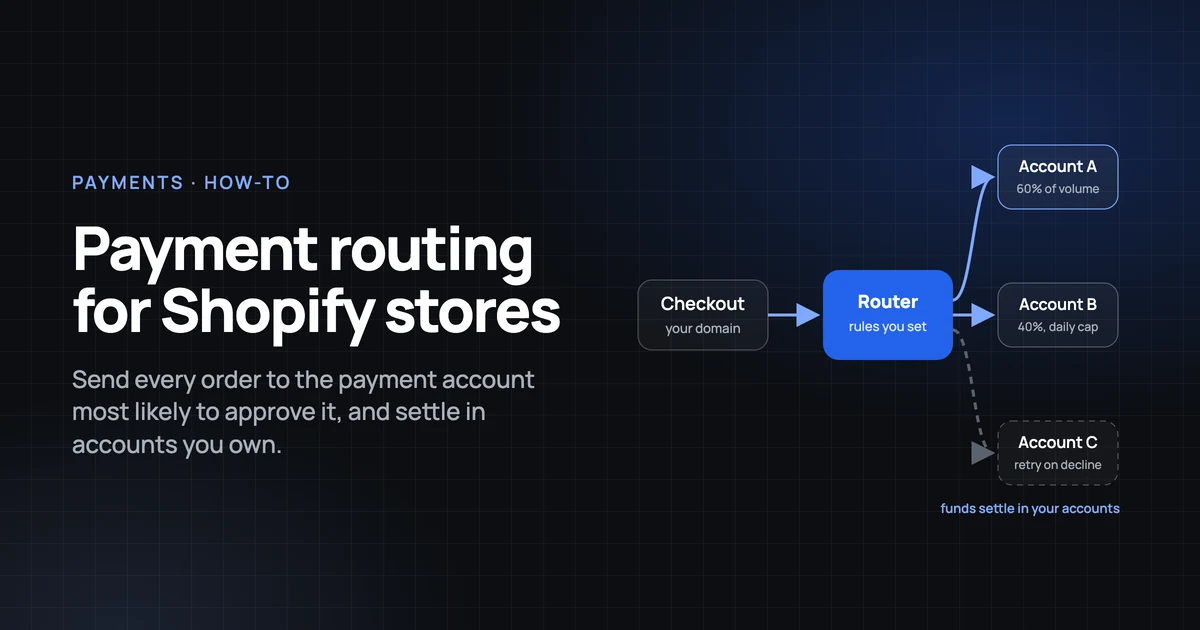
- True multi-account routing (splits, caps, pins before the charge) lives inside a routing/orchestration layer that presents one checkout path. It can also live inside a single provider's own routing product.
- Temble connects WooCommerce as a store, applies rules before the charge, hosts checkout on your subdomain, and does not cross-retry declines (Temble homepage, retrieved 2026-11-09).
- Reconcile in one ledger; know clearing vs settlement.
In this guide
- What payment routing means on WooCommerce
- Before you begin
- Step 1: Audit declines, fees and gateway clutter
- Step 2: Choose Shape A, B or C
- Step 3: Connect accounts and write rules
- Step 4: Keep checkout on your brand
- Step 5: SCA and decline UX
- Step 6: Reconcile in one ledger
- Native Woo tools that are not routing
- Common mistakes
- What success looks like after two weeks
- Frequently asked questions
- Conclusion
What payment routing means on WooCommerce
Payment routing decides which of your payment accounts attempts an order and (optionally, at some vendors) what happens on soft decline. On WooCommerce there are three common shapes:
| Shape | What the shopper sees | Who picks the account |
|---|---|---|
| A. Multiple gateways enabled | Several methods (e.g. "Card via Stripe", "Card via PayPal Commerce") | Shopper (and your drag order) |
| B. One gateway with internal routing | One card method | Provider's rules |
| C. Orchestration layer as the card path | One Temble (or similar) checkout | Your splits / caps / pins before the charge |
Shape A is native and useful for wallets, BNPL, offline methods and offering distinct brands. It is a poor substitute for Shape C if your goal is percentage splits across two acquiring accounts for the same card experience.
Before you begin
- WP Admin access with permission for WooCommerce > Settings > Payments.
- A staging site that mirrors production gateways (never invent credentials on live first).
- Exports of declines and payouts from each account for the same ~90-day window.
- SSL, current WooCommerce, and a checkout type you actually use (block checkout vs shortcode) documented.
- Time: a few hours for connection + rules; two weeks of observation.
- Difficulty: intermediate. You should be comfortable with plugins, decline codes and payout CSVs.
If an agency owns the site, involve them before swapping the primary card path; refunds for old orders still need the old provider credentials.
Step 1: Audit declines, fees and gateway clutter
List every enabled method under Payments. Disable abandoned test gateways. For each live card-capable account, compute first-attempt authorization rate and top decline codes. Separate soft vs hard declines (retries playbook).
Add fee per successful order per account (processing + any plugin/platform fees). You cannot write a split that "saves money" without this baseline. This article will not invent a savings figure for you.
Step 2: Choose Shape A, B or C
Stay on Shape A if you only need PayPal + cards + a local method, and one acquirer is enough for cards.
Use Shape B if your PSP already offers multi-acquirer routing inside one Woo plugin and you are fine being tied to that PSP's dashboard.
Use Shape C if you hold multiple accounts (or must) and want pins/splits/caps with one shopper-facing card path. Temble's published Woo path: connect the store via the WooCommerce plugin. Temble takes the payment step and hands the order back, and the theme stays yours (Temble homepage, integrations directory, retrieved 2026-11-09).
On Shopify, the platform's card-provider model pushes many merchants toward Shape C earlier; Woo's flexibility can hide the need until reconciliation hurts. Be honest about which pain you are solving.
Step 3: Connect accounts and write rules
For Temble (Shape C), connect each payment setup you own, then write rules in evaluation order: pins → splits → caps (routing rules). Temble applies the route before the charge (Temble homepage).
Hypothetical: Account A US, Account B EU.
- Pin EUR / EU shipping → B.
- Split remainder 70% A / 30% B.
- Cap B at €25k/day → spill to A.
A declined attempt is shown to the shopper; Temble does not retry on the other account (Temble homepage). If you need failover retries, that is a different product requirement. See the retries playbook.
Step 4: Keep checkout on your brand
Shoppers should not bounce through an unfamiliar domain for the card form if you can avoid it. Temble hosts checkout on your subdomain, from card form to thank-you page (Temble homepage; hosted checkout guide). Card data is collected in the processor's fields, not by Temble servers (Temble homepage).
Verify on staging: cart → checkout → (3-D Secure if any) → order received, with your branding intact. Confirm Woo order status updates and emails still fire after the handoff back to WooCommerce.
Step 5: SCA and decline UX
If you sell to the EU/UK, Strong Customer Authentication rules apply to many remote card payments under Regulation (EU) 2018/389. Test EU cards in staging. Do not assume a soft-decline "retry elsewhere" path is SCA-safe.
For declines: show a clear message; offer another method; do not burn network retry windows on hard codes (Stripe soft vs hard; retries playbook).
Step 6: Reconcile in one ledger
Woo order numbers will not match Shopify's (if you also run Shopify) or raw provider IDs. Use a ledger that tags shop + provider + provider reference on every row (one ledger). Temble's published ledger lists WooCommerce beside other channels with the shop named (Temble homepage, pricing page).
Weekly: match each provider payout file to ledger rows. Explain spills from caps. Keep old plugin credentials until return windows on historical orders close.
Native Woo tools that are not routing
- Drag reorder in Payments settings: presentation order only (WooCommerce docs).
- Per-gateway enable/disable: shopper method mix, not acquirer weights.
- WooPayments method settings control which methods that one stack offers (WooPayments docs), not cross-PSP orchestration.
Use them. Just do not confuse them with percentage splits across acquiring accounts.
Common mistakes
- Enabling two card plugins and calling it "orchestration."
- Testing only the happy path; skipping decline and 3DS paths.
- Switching plugins without a refund plan for old orders.
- Ignoring block-checkout vs classic-checkout differences in your theme.
- Expecting Temble (or any layer) to cross-retry soft declines when the docs say it will not.
What success looks like after two weeks
- You can state which shape (A/B/C) you run and why.
- Pins, splits and caps match a written note with dates.
- EU test cards complete authentication as expected.
- Ledger export matches payout files for both accounts.
- Support knows which provider to refund without guessing.
Frequently asked questions
Can I run two credit card gateways on WooCommerce?
Yes. You can enable multiple providers and reorder them (WooCommerce Payments settings). That gives shoppers a choice. It does not automatically route one card authorization across two acquirers.
Does Temble replace my Woo theme checkout entirely?
Temble's published model takes the payment step and hands the order back so your theme stays yours (Temble homepage). Confirm the exact UX on your staging site.
Will routing raise my Woo authorization rate?
No promise here. Measure first-attempt auth rate before and after with dated rule changes.
Conclusion
WooCommerce's strength is flexibility; its trap is mistaking method clutter for routing. Pick Shape A, B or C deliberately. If you need splits, caps and pins across accounts you already own, use a routing layer. Keep checkout on your domain and reconcile in one ledger. Do not pretend declines fail over when they do not.
Book a walkthrough or compare pricing and integrations.
About the author. Mattieux Rinot is an SEO Expert at Temble. Temble is a payment orchestration layer that routes payments across a merchant's own accounts and never holds the funds. Mattieux has five years of experience across CRM, customer success and payment processing.
Corrections. Send errors via the contact page; we add a dated update note.
Sources
- WooCommerce: Configuring settings, Payments, retrieved 2026-11-09
- WooPayments: Payment methods, retrieved 2026-11-09
- Stripe, Credit card declines, updated 2026-11-03
- Commission Delegated Regulation (EU) 2018/389
- Temble homepage, pricing page, integrations directory, retrieved 2026-11-09
- Payment Routing on Shopify, How to Write Routing Rules, Soft Declines, Retries, and SCA, One Ledger, Hosted Checkout on Your Domain